Generate Prompts
Create stunning images from scratch - Complete Scene Guide
1. Photorealistic Scenes
To achieve photorealism, use photography terminology. Mention shot types, lenses, lighting, and fine details. Perfect for portraits, landscapes, and scene photography.
Prompt Template
Code Example
from google import genai
from google.genai import types

client = genai.Client()

response = client.models.generate_content(
    model="gemini-2.5-flash-image",
    contents="A photorealistic close-up portrait of an elderly Japanese ceramicist with deep, sun-etched wrinkles and a warm, knowing smile. He is carefully inspecting a freshly glazed tea bowl. The setting is his rustic, sun-drenched workshop with pottery wheels and shelves of clay pots in the background. The scene is illuminated by soft, golden hour light streaming through a window, highlighting the fine texture of the clay and the fabric of his apron. Captured with an 85mm portrait lens, resulting in a soft, blurred background (bokeh). The overall mood is serene and masterful.",
)

for part in response.parts:
    if part.text is not None:
        print(part.text)
    elif part.inline_data is not None:
        image = part.as_image()
        image.save("photorealistic_example.png")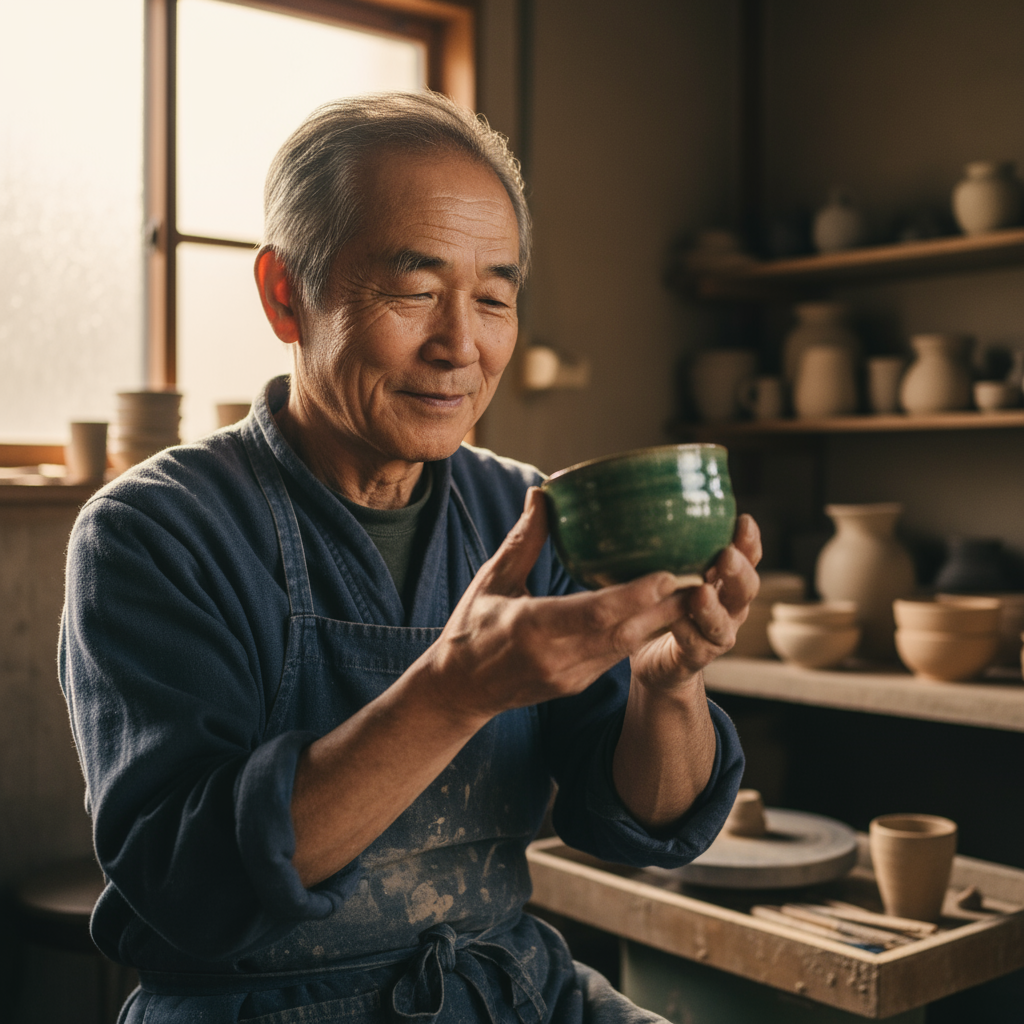
AI-generated photorealistic portrait of Japanese ceramicist
2. Stylized Illustrations
Create stickers, icons, or assets by explicitly stating the style and requesting specific backgrounds (e.g., transparent or white). Ideal for kawaii stickers, cartoon characters, and decorative art.
Sticker Template
Code Example
from google import genai
from google.genai import types

client = genai.Client()

response = client.models.generate_content(
    model="gemini-2.5-flash-image",
    contents="A kawaii-style sticker of a happy red panda wearing a tiny bamboo hat. It's munching on a green bamboo leaf. The design features bold, clean outlines, simple cel-shading, and a vibrant color palette. The background must be white.",
)

for part in response.parts:
    if part.text is not None:
        print(part.text)
    elif part.inline_data is not None:
        image = part.as_image()
        image.save("red_panda_sticker.png")
AI-generated kawaii red panda sticker
3. Text Rendering
Gemini excels at rendering text. Clearly specify the text, font style (descriptive), and overall design. Perfect for logos, infographics, menus, and marketing materials.
Text Template
Code Example
from google import genai
from google.genai import types

client = genai.Client()

response = client.models.generate_content(
    model="gemini-2.5-flash-image",
    contents="Create a modern, minimalist logo for a coffee shop called 'The Daily Grind'. The text should be in a clean, bold, sans-serif font. The design should feature a simple, stylized icon of a coffee bean seamlessly integrated with the text. The color scheme is black and white.",
)

for part in response.parts:
    if part.text is not None:
        print(part.text)
    elif part.inline_data is not None:
        image = part.as_image()
        image.save("logo_example.png")
AI-generated coffee shop logo with text rendering
4. Product Photography
Ideal for creating clean, professional product shots for e-commerce, advertising, or branding. Describe lighting setup, background, and camera angle for studio-quality results.
Product Template
Code Example
from google import genai
from google.genai import types

client = genai.Client()

response = client.models.generate_content(
    model="gemini-2.5-flash-image",
    contents="A high-resolution, studio-lit product photograph of a minimalist ceramic coffee mug in matte black, presented on a polished concrete surface. The lighting is a three-point softbox setup designed to create soft, diffused highlights and eliminate harsh shadows. The camera angle is a slightly elevated 45-degree shot to showcase its clean lines. Ultra-realistic, with sharp focus on the steam rising from the coffee. Square image.",
)

for part in response.parts:
    if part.text is not None:
        print(part.text)
    elif part.inline_data is not None:
        image = part.as_image()
        image.save("product_mockup.png")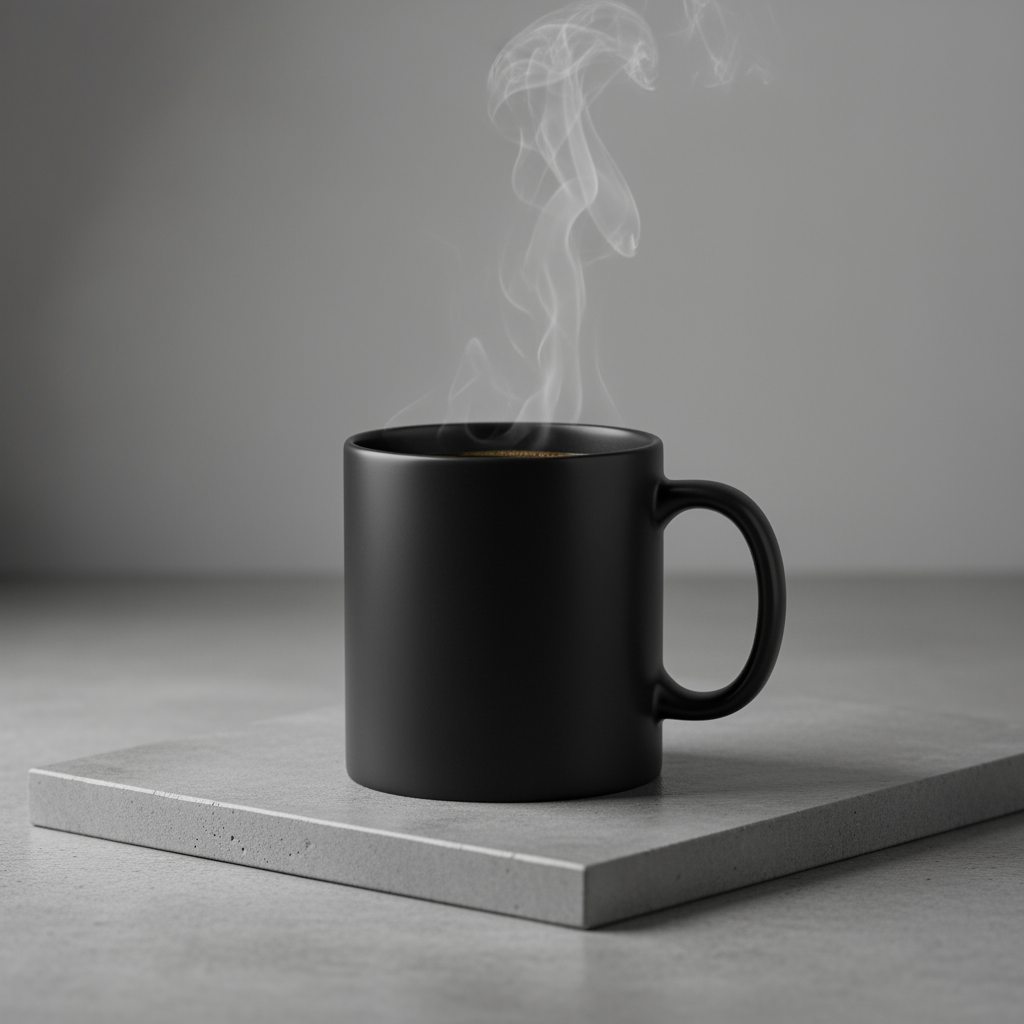
AI-generated product photography: matte black ceramic mug
5. Minimalist Design
Perfect for creating backgrounds for websites, presentations, or marketing materials where text will be overlaid. Utilize negative space to create clean, elegant compositions.
Minimal Template
Code Example
from google import genai

client = genai.Client()

response = client.models.generate_content(
    model="gemini-2.5-flash-image",
    contents="A minimalist composition featuring a single, delicate red maple leaf positioned in the bottom-right of the frame. The background is a vast, empty off-white canvas, creating significant negative space for text. Soft, diffused lighting from the top left. Square image.",
)

for part in response.parts:
    if image := part.as_image():
        image.save("minimalist_design.png")
AI-generated minimalist design with negative space
6. Sequential Art / Comic Panels
Create panels for visual storytelling with character consistency and scene descriptions. Ideal for comics, storyboards, and graphic novels.
Comic Template
Code Example
from google import genai

client = genai.Client()

response = client.models.generate_content(
    model="gemini-2.5-flash-image",
    contents="A single comic book panel in a gritty, noir art style with high-contrast black and white inks. In the foreground, a detective in a trench coat stands under a flickering streetlamp, rain soaking his shoulders. In the background, the neon sign of a desolate bar reflects in a puddle. A caption box at the top reads 'The city was a tough place to keep secrets.' The lighting is harsh, creating a dramatic, somber mood. Landscape.",
)

for part in response.parts:
    if image := part.as_image():
        image.save("comic_panel.png")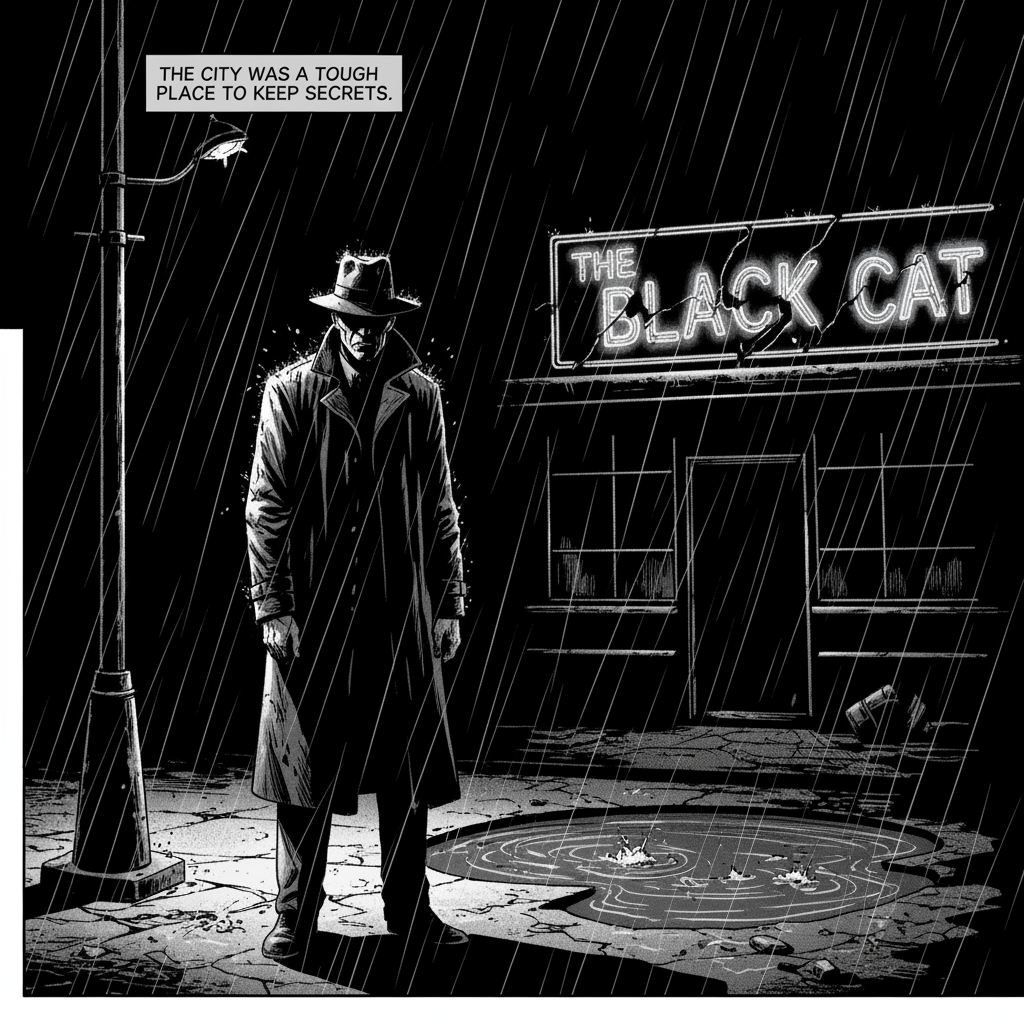
AI-generated noir style comic book panel
Pro Prompting Tips
The more detailed your information, the better control over output. Use specific adjectives rather than vague descriptions.
Explain the purpose of the image. The model's understanding of context influences the final output.
Don't expect perfection on the first try. Use the model's conversational nature to make incremental changes.
For complex scenes with many elements, break your prompt into multiple steps.